Building your game for multiple platforms with UWP
From the archive
This post was written in 2016. Technology has moved on a fair bit since then, so some of the tools, links and advice here may well be out of date. Treat it as a piece of history rather than a current guide.
Getting your game to as many platforms as possible is (or should be) the dream for any game developer or studio. In the markets of today, if you are only hitting one platform, ultimately you are not achieving your potential and are losing out on sales.
Putting aside platforms like iOS, MacOS and Android (which each have their own challenges) for a minute, let’s have a look at what Microsoft are doing these days with their Universal Windows Platform (UWP for short) in an effort to make publishing to ALL Windows platforms a one build process.
What has UWP ever done for us?

As the name suggests, the UWP platform is intended to be Universal across all of Microsoft’s current (and likely) future platforms and offerings. This means you will get one consistent:
- Presentation layer
- Input system
- Tooling and Frameworks
- Base OS layer
This solves 90% of the most common issues you find when working with multiple devices with different capabilities and hardware (just look at Android, with so many ways to interact with a device, assuming you know which device it is you are running on).
That is not to say every device is the same, each will have specific requirements and bespoke elements, however the UWP platform caters for this through extensions. The beauty of this is that if you write code for one extension (such as the HoloLens room detection capabilities), it is safely managed against any other platform and won’t break the solution if it is not running on that device. The UWP platform also provides specific routines for testing capabilities, write it for one platform and all other platforms will simply say Yes or No if they support it.
Extensions allow you to write code for a specific device family which will run but not execute on other platforms, without breaking the project.
This breaks down to two simple facts:
- When writing for Windows, you only need to write for Windows, not for each platform, family, revision, product. It is one solution.
- Extensions for each platform (should you wish to customise a platform) are written completely safely, without complex workarounds or code branching.
Coming up at Future Decoded

So, the main reason for this post is that I have been asked back to Future Decoded this year to speak again about Game Development.
Last year I gave a rising talk about taking XNA games to Windows 10 and then on to Windows Universal platforms, quickly, simply and with little fuss.
To check out my last talk, check out this post here: http://wp.me/p3o0M2-2ij
This time I am going to cover getting your UWP games to Xbox using Unity and MonoGame. Both Engines/Frameworks have very strong UWP support and because the Xbox now supports publishing UWP projects direct to the console, we can extend our reach even further.
It is not just games of course, Microsoft is also proudly accepting new Apps to the console as well.
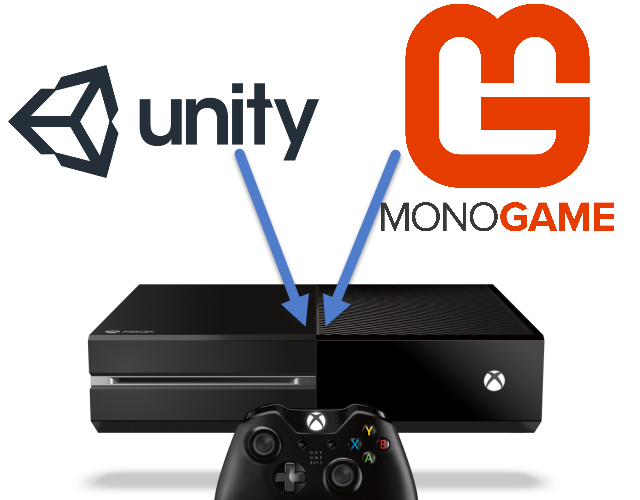
Granted, there are some bells, whistles and tricks needed to make the process as smooth as possible. So I will do my level best to guide you through the rough and get you started with haste.
See you at the ExCeL in London, for what should be a fantastic event!